Connect your Gate.io API key
Trade on GOGA with your own Gate.io account and your own funds. You create an API key on Gate.io, give it trade permission (never withdrawal), and paste it here. We verify it read-only, store it encrypted, and place orders only within the limits your operator sets. Last updated 6 Jun 2026.

Read first — trading is risky
Leverage trading can lose money fast. You are solely responsible for your own account. Only trade what you can afford to lose, start with the lowest size and 1× leverage, and learn on the demo first. GOGA provides tools, not financial advice.
1 What you need
- A verified Gate.io account with a funded futures (USDT-M) wallet.
- 2 minutes to create an API key with the right permissions (below).
2 Create the API key on Gate.io
- Sign in to Gate.io → top-right avatar → API Management (API Keys).
- Click Create API Key and choose APIv4 Key (classic API key + secret).
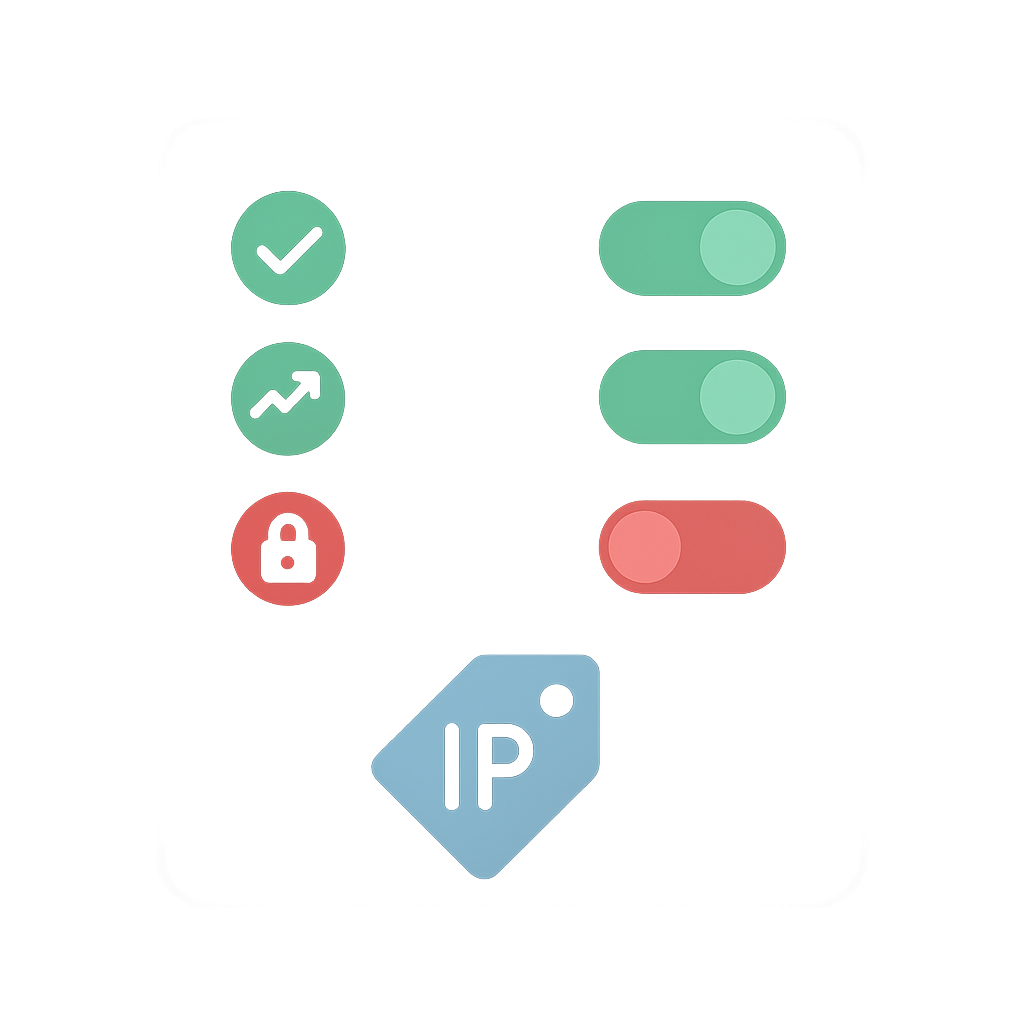
- Set permissions exactly as below: Spot and Perpetual Futures = Trade; Withdraw = OFF.
- (Recommended) Bind an IP whitelist. If you whitelist, you must add our server IP — message support and we'll give it to you. If unsure, leave it unrestricted for now.
- Confirm with 2FA. Copy the API key and secret now — the secret is shown only once.
Just want to watch first? Create the key with read-only permission — you'll see your balance and positions but cannot place orders until you re-issue a key with Trade.
3 Connect it on bibamoney
- Sign in (Google or Microsoft) and open your Cabinet.
- In “Connect your exchange — Gate.io”, paste the API key + secret and press Connect & verify.
- We do a read-only check and show your balance. The secret is stored encrypted; we only ever display the last 4 characters.
4 Leverage & risk limits
Your operator sets a per-account leverage cap (0–3×, default 1×; 0 = spot only), a max position size, and a daily-loss kill-switch. You choose your leverage within the cap. Every order is checked server-side — you can never exceed your limits, and closing a position is always allowed.
Your responsibility
- You trade your own funds at your own risk. Profits and losses are yours.
- Start at 1× leverage and the smallest size; raise only once you understand the behaviour.
- Practise on the demo before going live.
- Never share your API secret. If it leaks, delete the key on Gate.io immediately.
- Keep Withdraw OFF on the key. We never move your funds off the exchange.
5 FAQ
Can the platform withdraw my money?
No. Our code only calls balance, position and order endpoints — there is no withdrawal call anywhere. Keeping Withdraw disabled on your key makes it impossible regardless.
Where is my secret stored?
Encrypted at rest (AES-256-GCM) in our database. It is never logged and never sent back to your browser — the UI shows only ···· + the last 4 characters.
What leverage can I use?
Whatever your operator allows, up to a hard platform ceiling of 3×. Default is 1×. A cap of 0 means spot-only (no leverage).
How do I stop / disconnect?
Close any open position with Close, then press Disconnect in your Cabinet to remove the key. You can also delete it on Gate.io anytime.
What is the daily-loss kill-switch?
If your equity drops by more than your configured daily limit, new opening orders are blocked for the rest of the day. Closing/reducing stays allowed.
Not financial advice. Trading derivatives involves substantial risk of loss. Risk disclosure · Terms · Privacy